Krest
AI email & messaging platform for embroidery digitizing studios
Krest is an AI outreach engine for embroidery digitizing studios: per-recipient AI emails, multi-step sequences, a no-bounce firewall, a unified inbox and a WhatsApp AI agent.
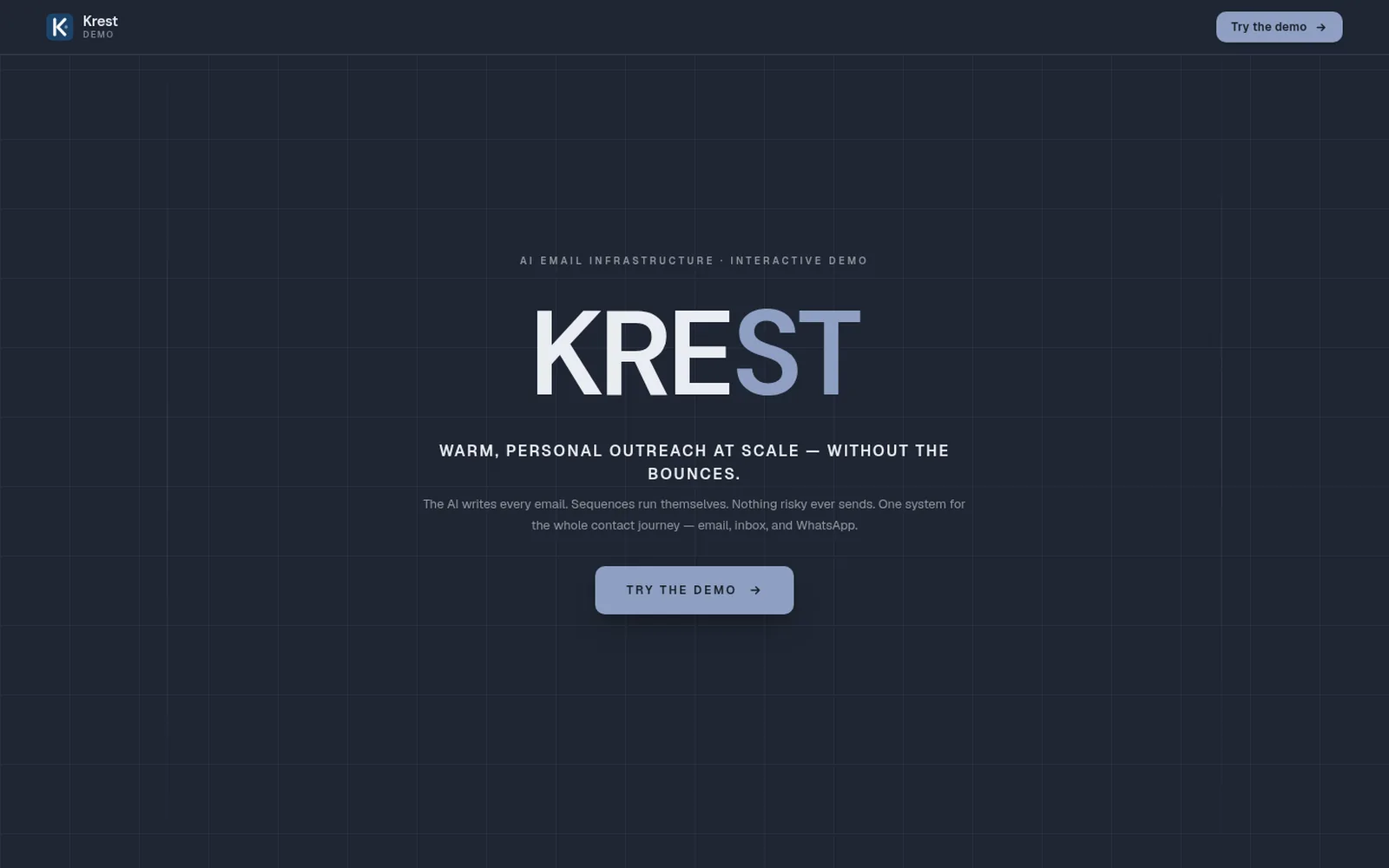
Krest landing page — warm, personal outreach at scale without the bounces
Overview
About Krest
01The problem
Embroidery digitizing studios get most of their work from apparel shops, print shops and brands. Keeping in touch with hundreds of these customers by hand takes hours every week. When emails are sent in bulk, many bounce or land in spam, which slowly damages the studio’s email reputation, and replies get lost in a crowded inbox.
02The solution
A studio needs a way to send a personal email to every customer without writing each one, follow up at the right time, never email an address that will bounce, and see every reply in one place.
03How Krest solves it
Krest writes a personal email for each customer using AI and sends follow-ups on a schedule, so the studio doesn’t have to. Before anything goes out, it checks every address and skips the risky ones, so emails don’t bounce. When someone replies, the automatic emails stop and the reply lands in one shared inbox for the team. Krest also answers WhatsApp messages with an AI assistant that hands over to a person when needed.
04What you get
Studios reach far more customers in a fraction of the time, win back customers who went quiet, and protect their email reputation. Nobody gets an awkward automated follow-up after they’ve already replied, every conversation is in one place, and clear numbers show which emails actually bring in work.
05Under the hood
Krest is a Next.js web application built around a send pipeline: an audience builder with live deliverability counts, per-recipient LLM generation with guardrails and quality scoring (failed or low-scoring drafts are routed to a human review queue instead of sending), and a suppression firewall that filters unsubscribed, hard-bounced, blacklisted and malformed addresses, with optional live verification and MX lookups. Delivery rotates across Gmail accounts connected over OAuth and SMTP senders within daily caps and send windows. Open and click tracking, reply detection that halts sequences, and automatic bounce suppression feed the analytics. The WhatsApp workspace runs on the WhatsApp Business API with a knowledge-base-grounded AI agent and human escalation, alongside scoped user permissions and a dev/prod sandbox switch.
What it does
Key Features
AI copywriter
A unique email written for each recipient, with the AI model selectable per step, or fixed copy with merge fields when exact wording matters.
Multi-step sequences
Journeys each contact walks on their own clock — welcome, follow-up, win-back — with per-step waits and a live preview.
No-bounce firewall
Every send passes suppression checks, with optional live verification and MX lookups. Your sender reputation stays protected.
Unified reply inbox
Replies land in one Gmail-style inbox and halt the sequence automatically. Bounces auto-suppress.
WhatsApp + Olivia
A WhatsApp workspace with an AI agent that answers from your knowledge base and hands off to a human when needed.
Live analytics
Opens, clicks, replies, bounces and forecasts, split by audience, channel, sender and sequence.
Quality review queue
Low-scoring or failed drafts never send — they wait for a human to approve, edit or regenerate.
Contacts & dedup
A unified contact book with lifecycle stages, organizations, duplicate detection and a six-month dormancy model.
- Sender rotation, daily caps and send windows
- One-click Gmail connect over OAuth
- One-click unsubscribe, honored instantly
- Scoped users, permissions and support tickets
- Dev / prod sandbox switch
In production
Used By

Keep exploring