Classman
Class & batch scheduling for educators
Classman is all-in-one scheduling software for educators: plan batches, run a weekly scheduler, track curriculum and postponements, and share read-only timetables with students.
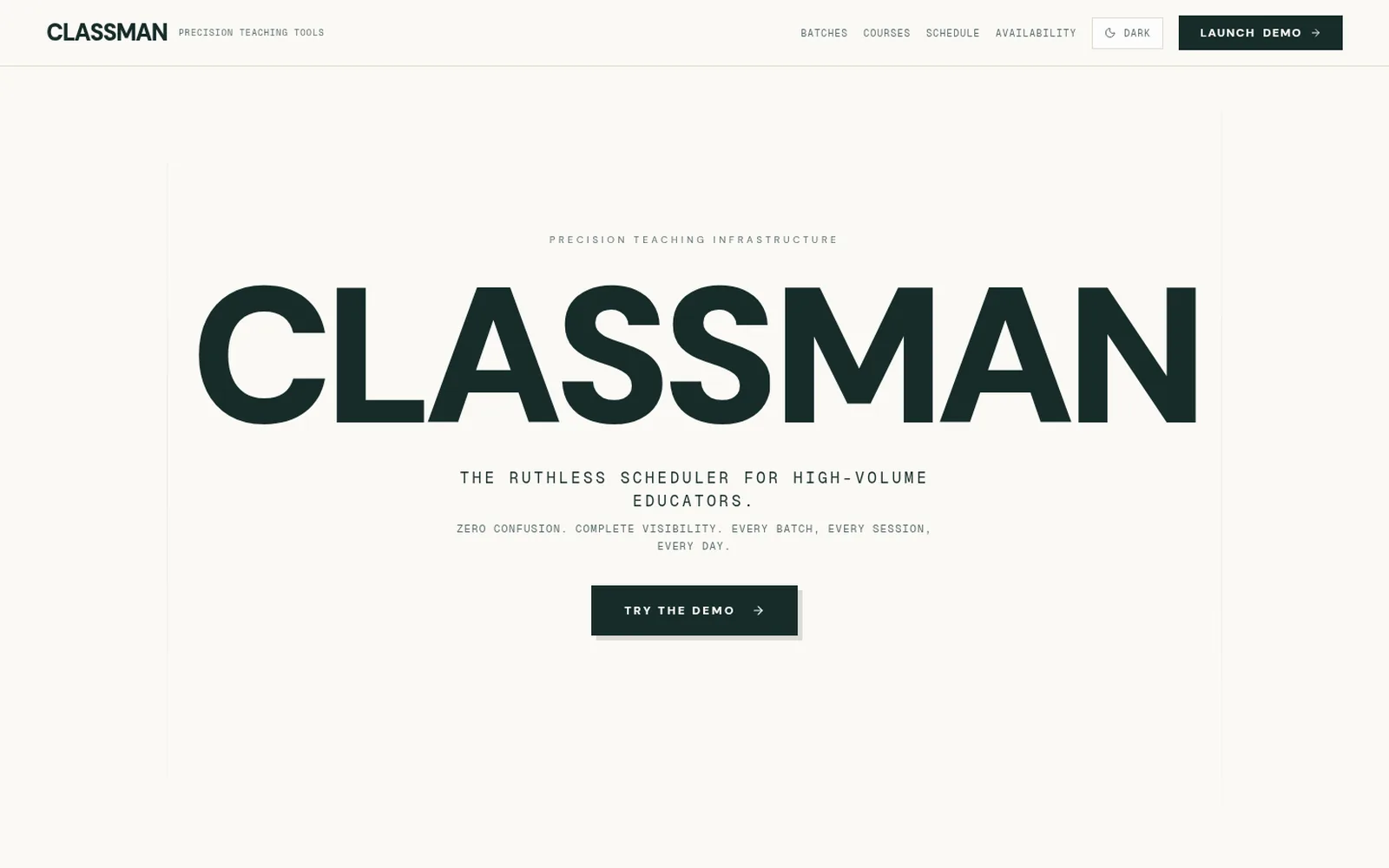
Classman landing page — the ruthless scheduler for high-volume educators
Overview
About Classman
01The problem
Teachers who run many batches of classes juggle timings across calendars and WhatsApp groups. Classes get postponed, it’s easy to lose track of how far each batch has got in the course, and students keep asking when the next class is.
02The solution
A teacher needs one timetable that tracks every class across all batches, remembers what was taught and what was postponed, and lets students check their own schedule.
03How Classman solves it
Classman shows every class for the week on one screen. The teacher marks each class as done or postponed, and Classman keeps count of progress for each batch. Students get a code to look up their own schedule without signing up, can read the full course outline, and can see when the teacher is busy.
04What you get
No missed or clashing classes, far fewer “when is the next class?” messages, and a clear picture of where every batch stands. The teacher can also see how often classes get postponed and which batches are falling behind.
05Under the hood
Classman is a Next.js progressive web app. Batch rules (days, timings, duration) generate session schedules shown in weekly and monthly views. Each session records completion, postponement, timing and notes, which feed analytics on execution rate, postponement frequency and delay trends per batch. Public, read-only routes expose batch directories, code-based schedule lookup, curriculum timelines modelled as modules, topics and subtopics with estimated days, and an availability view that reveals only occupied time blocks, never class details.
What it does
Key Features
Weekly scheduler
Every session across every batch in one unified week view, with completion tracking and per-session notes.
Batch management
Organize students into batches with custom schedules, durations and color codes.
Postponement matrix
Track postponements and delay trends so nothing quietly slips.
Completion analytics
Execution rates, postponement frequency and per-batch diagnostics.
Public schedule lookup
Students enter a code from their instructor to see their calendar, timings and resources.
Public curriculum
Modules, topics and subtopics visualized as a vertical timeline with estimated days per topic.
- Weekly & monthly views
- Read-only public timetables
- Live availability without class details
- Dark & light mode
In production
Used By

Keep exploring